# react-grid-drag
**Repository Path**: komagic1/react-grid-drag
## Basic Information
- **Project Name**: react-grid-drag
- **Description**: No description available
- **Primary Language**: Unknown
- **License**: Not specified
- **Default Branch**: master
- **Homepage**: None
- **GVP Project**: No
## Statistics
- **Stars**: 0
- **Forks**: 0
- **Created**: 2021-01-15
- **Last Updated**: 2021-01-15
## Categories & Tags
**Categories**: Uncategorized
**Tags**: None
## README
# react-grid-drag
## Features
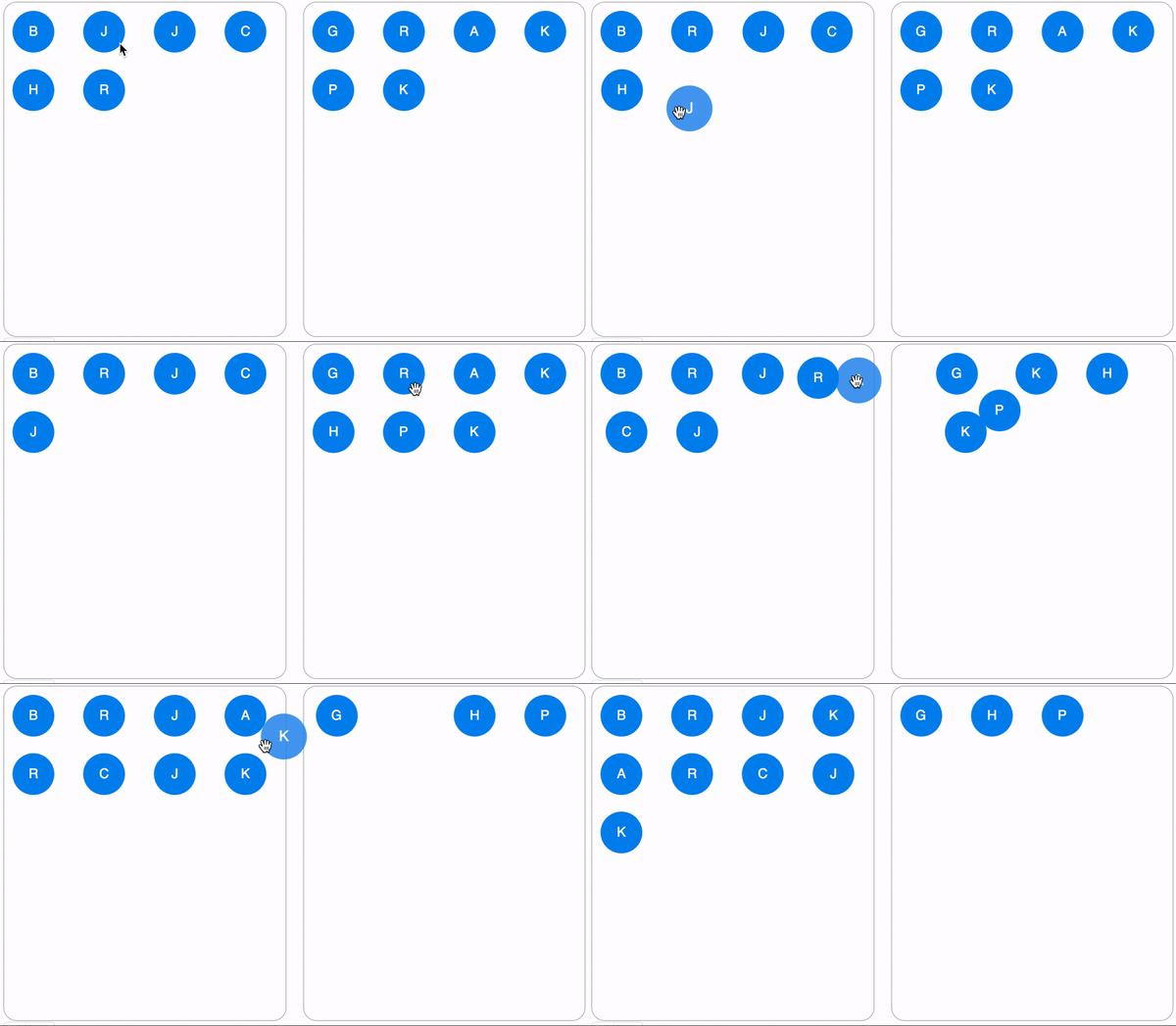
- **Supports dragging between arbitrary number of lists**.
## Install
Install `react-grid-drag` and `react-gesture-responder` using yarn or npm.
```
yarn add react-grid-drag react-gesture-responder
```
## Usage
Because `GridItem` components are rendered with absolute positioning, you need to ensure that `GridDropZone` has a specified height or flex, like in the example below.
```jsx
import {
GridContextProvider,
GridDropZone,
GridItem,
swap
} from "react-grid-drag";
function Example() {
const [items, setItems] = React.useState([1, 2, 3, 4]); // supply your own state
// target id will only be set if dragging from one dropzone to another.
function onChange(sourceId, sourceIndex, targetIndex, targetId) {
const nextState = swap(items, sourceIndex, targetIndex);
setItems(nextState);
}
return (
{items.map(item => (
{item}
))}
);
}
```
## Dragging between lists
```jsx
import {
GridContextProvider,
GridDropZone,
GridItem,
swap,
move
} from "react-grid-drag";
function App() {
const [items, setItems] = React.useState({
left: [
{ id: 1, name: "ben" },
{ id: 2, name: "joe" },
{ id: 3, name: "jason" },
{ id: 4, name: "chris" },
{ id: 5, name: "heather" },
{ id: 6, name: "Richard" }
],
right: [
{ id: 7, name: "george" },
{ id: 8, name: "rupert" },
{ id: 9, name: "alice" },
{ id: 10, name: "katherine" },
{ id: 11, name: "pam" },
{ id: 12, name: "katie" }
]
});
function onChange(sourceId, sourceIndex, targetIndex, targetId) {
if (targetId) {
const result = move(
items[sourceId],
items[targetId],
sourceIndex,
targetIndex
);
return setItems({
...items,
[sourceId]: result[0],
[targetId]: result[1]
});
}
const result = swap(items[sourceId], sourceIndex, targetIndex);
return setItems({
...items,
[sourceId]: result
});
}
return (
{items.left.map(item => (
{item.name[0].toUpperCase()}
))}
{items.right.map(item => (
{item.name[0].toUpperCase()}
))}
);
}
```